
Asta Vision
Key Features of Asta Vision
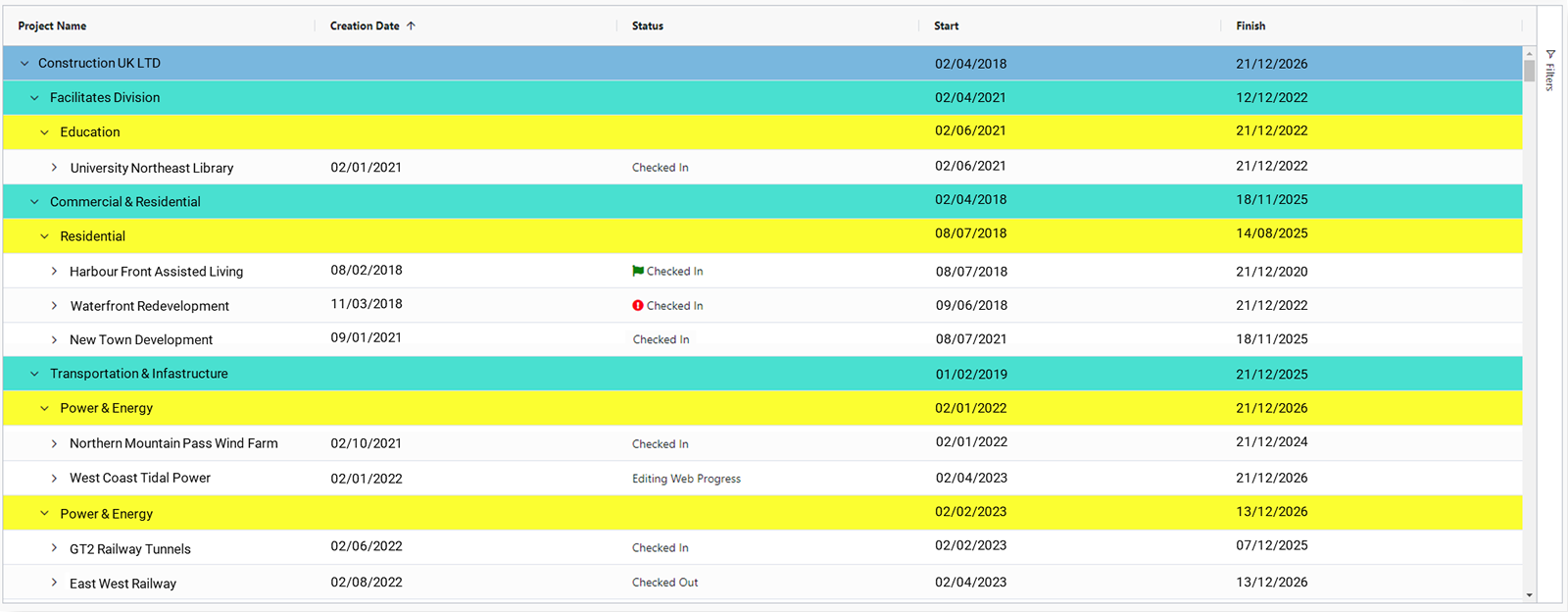
Cloud storage of schedule files
Keeps all Asta Powerproject plans/files in a central cloud-based repository, so users can access from Web or connected clients.
Version control & change management
Project files, baselines, revisions are tracked. Helps in audit trail and maintaining history.

Reporting & Business Intelligence
Dashboard-style reporting, extracting data across all project files for portfolio-level insight. Custom reports.
Real-time collaboration (in Vision Live)
Multiple users/planners can simultaneously edit or review programs/projects in Asta Powerproject; “collaboration sessions” etc.
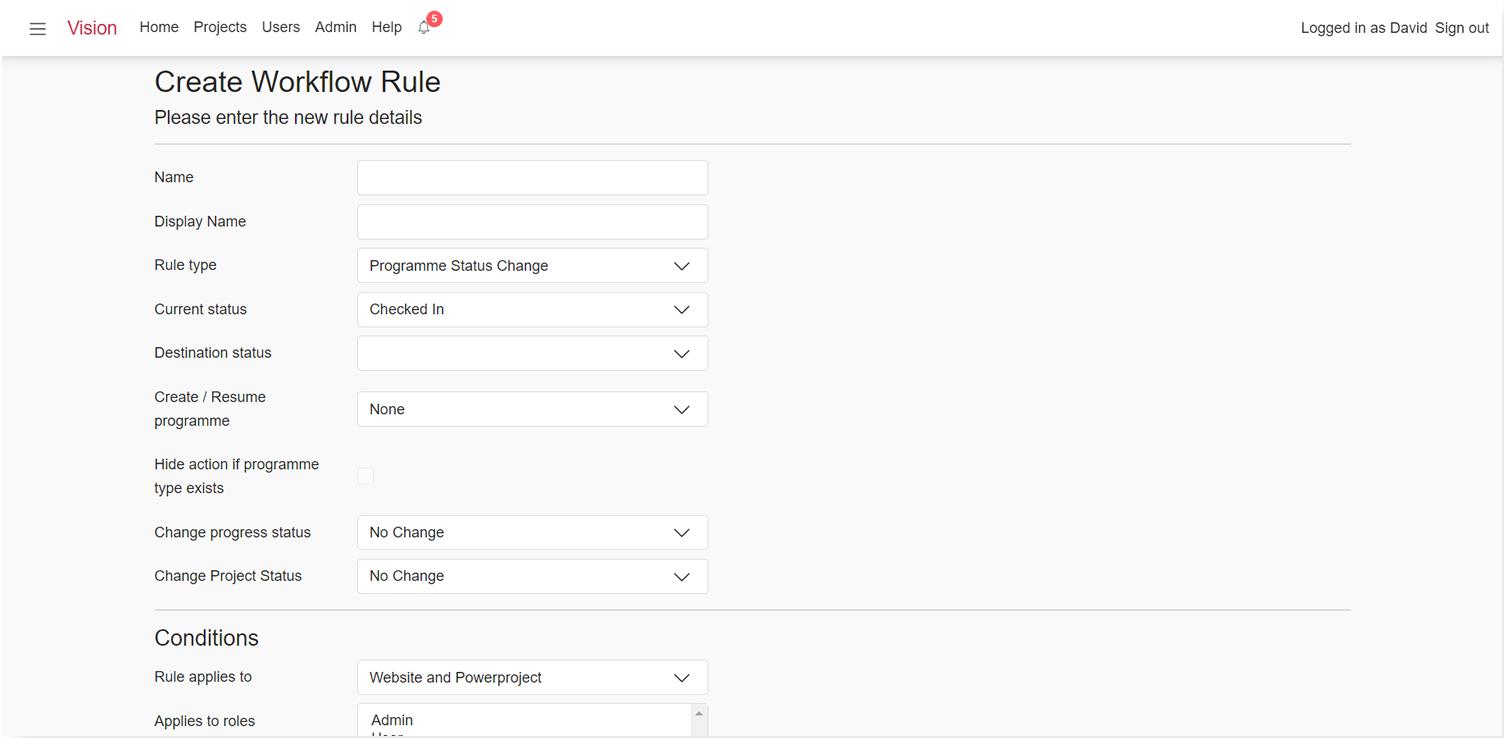
Workflow management
Allows definition of workflows for project lifecycles: creation, review, approval, baseline setting, amendments. Roles (planner, manager, etc) can be given permissions.
Global / shared libraries
Shared calendars, code libraries, global resources across projects/projects to avoid duplication.
Web access & browser interface
You can access Vision via any modern web browser, for project overviews / admin configurations etc.
Security, roles, user permissions
Define who can do what: which roles can approve, edit, review, enforce workflows, see certain projects etc.
Benefits of Asta Vision
Stronger consistency & governance
With workflows, version control, approvals, companies can enforce standard practices (templates, approval of changes, baselining) so there’s less risk of “rogue” schedules or unapproved changes.
Improved collaboration
Especially with Vision Live, multiple planners can work together without file-sharing conflicts; reduces duplication or lost work; encourages real time decision making.
Faster reporting & less admin overhead
BI and dashboards automate insights; less time consolidating data manually; version history helps in audits and accountability.
Scalability
Can scale up with more users/projects; roles and access can be tailored; projects across regions / divisions handled consistently.
Better visibility & transparency
Executives or PMO get portfolio-level visibility of project status, compare across projects, see which ones are behind, cost/certain metrics, rather than relying on isolated files.
Efficient reuse & standardization
Shared libraries (calendars, codes, resources) means projects don’t need to reinvent setup; reduces errors and setup time.
Reduced infrastructure & cost overhead
Because it’s cloud-based, less need for heavy on-prem servers; updates, backups, identity management handled by provider; potential for lower total cost of ownership.
Safety/security
Managing access, ensuring only certain users can approve or modify; storing files securely in Azure; tracking changes for auditing.
Request a Free Consultation
"*" indicates required fields